Standard Free
Gentle clean-up that removes grain and doubles the resolution.
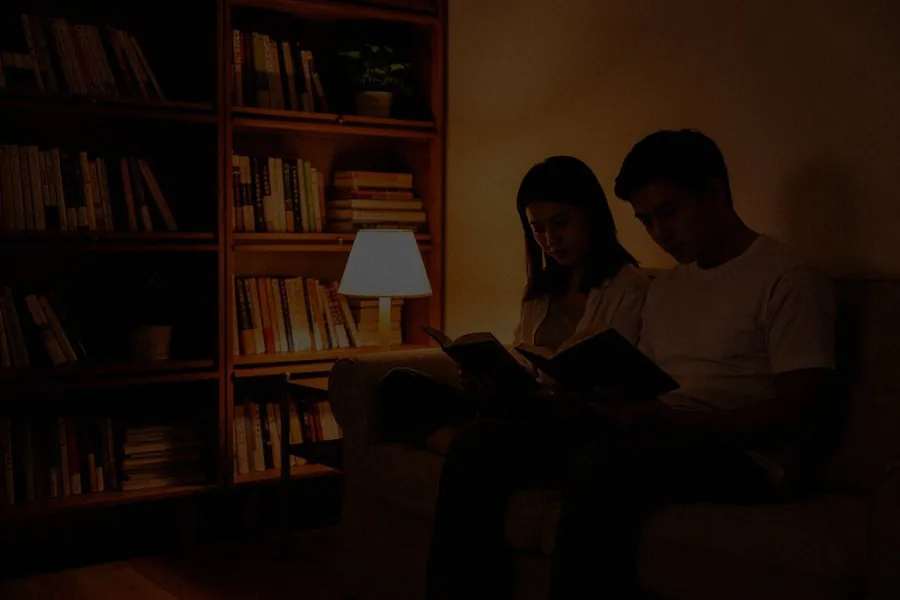
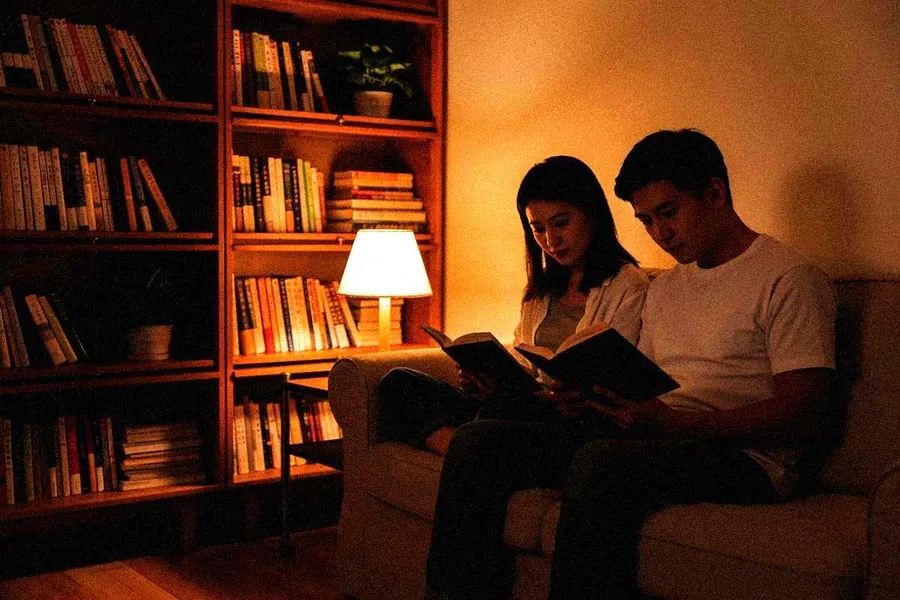
Best for: indoor and evening photos
Denoise
Denoise removes the grain and colour speckles that appear in dark rooms, at night and in heavily compressed images, while keeping real detail.
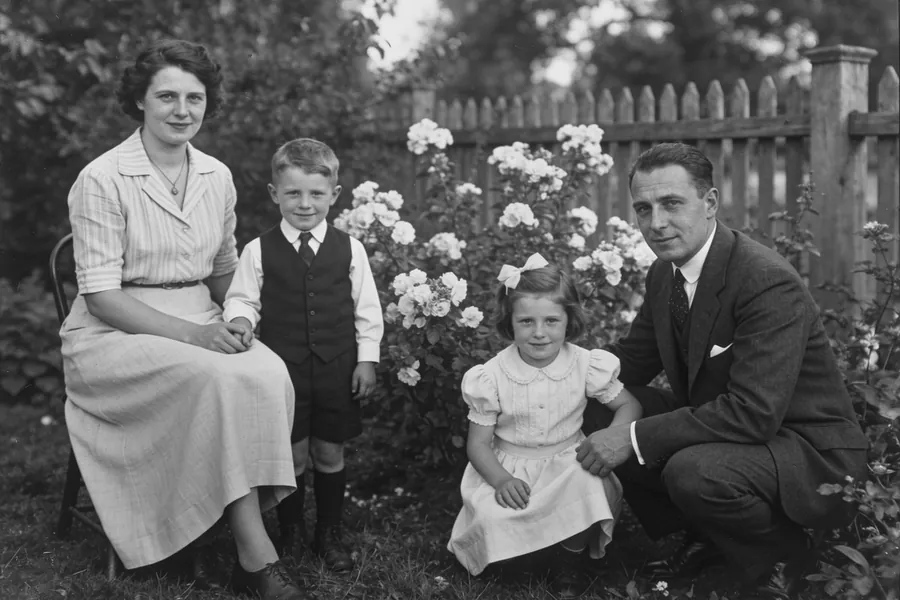
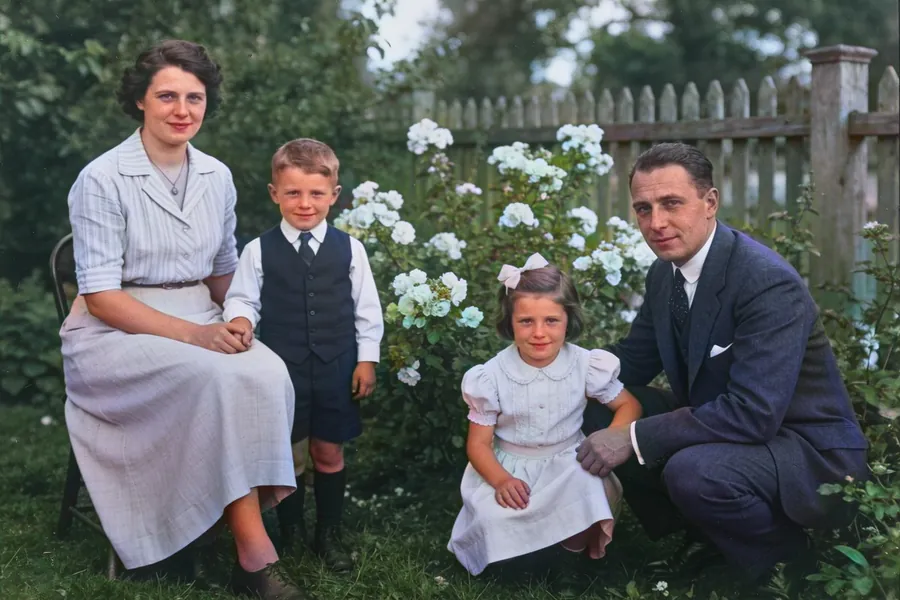
Each version runs on the same three photos, so you can compare them side by side.
Gentle clean-up that removes grain and doubles the resolution.
Best for: indoor and evening photos
Stronger noise removal with crisper edges.
Best for: very noisy night shots
The most natural-looking texture, with less sharpening. Good for skin and soft scenes.
Best for: portraits where Improved looks too sharp
Tuned for illustrations: flat colours, clean lines, no grain.
Best for: drawings, anime and cartoon art
Free on Android and iPhone, in 22 languages.