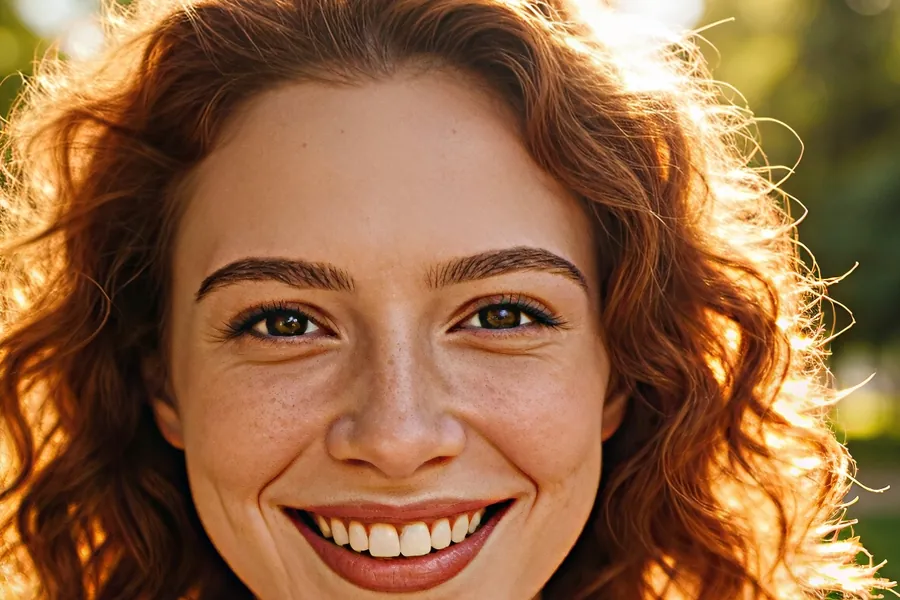
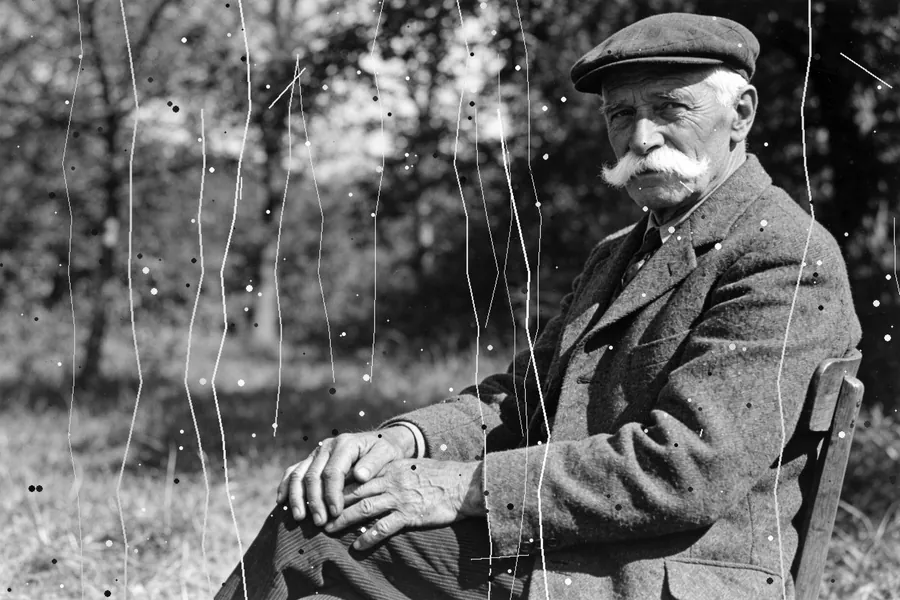
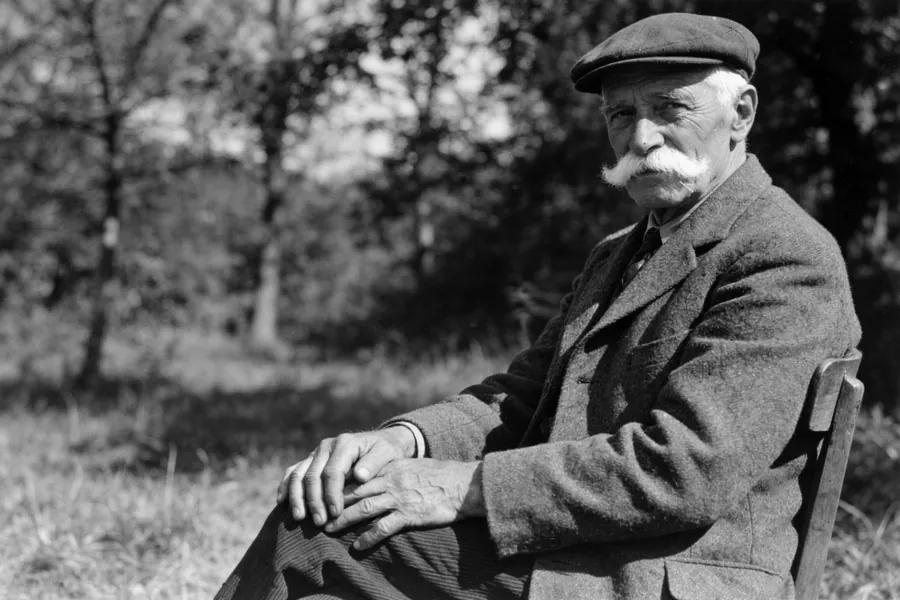
Mouth and eyes Free
Adjusts both at once. Some slider values are Premium.
Best for: fixing a blink and a closed smile together
Settings used: eyes 3, mouth 3 (the defaults)
Fix mouth and eyes
Someone blinked, or the smile came out stiff? Adjust how open the eyes and the mouth are, separately or together, with two sliders from 1 to 10.
Each version runs on the same three photos, so you can compare them side by side.
Adjusts both at once. Some slider values are Premium.
Best for: fixing a blink and a closed smile together
Settings used: eyes 3, mouth 3 (the defaults)
Opens or closes the smile without touching the eyes.
Best for: stiff or tight-lipped smiles
Settings used: mouth 4
Opens eyes that blinked, without changing the smile.
Best for: the one blink in an otherwise perfect shot
Settings used: eyes 4
Free on Android and iPhone, in 22 languages.